Destination search
Search for destinations on the map and choose where to go.
SkewSense · iPhone app
Maps, routes and navigation
Find your destination, check the route and get going on your iPhone.
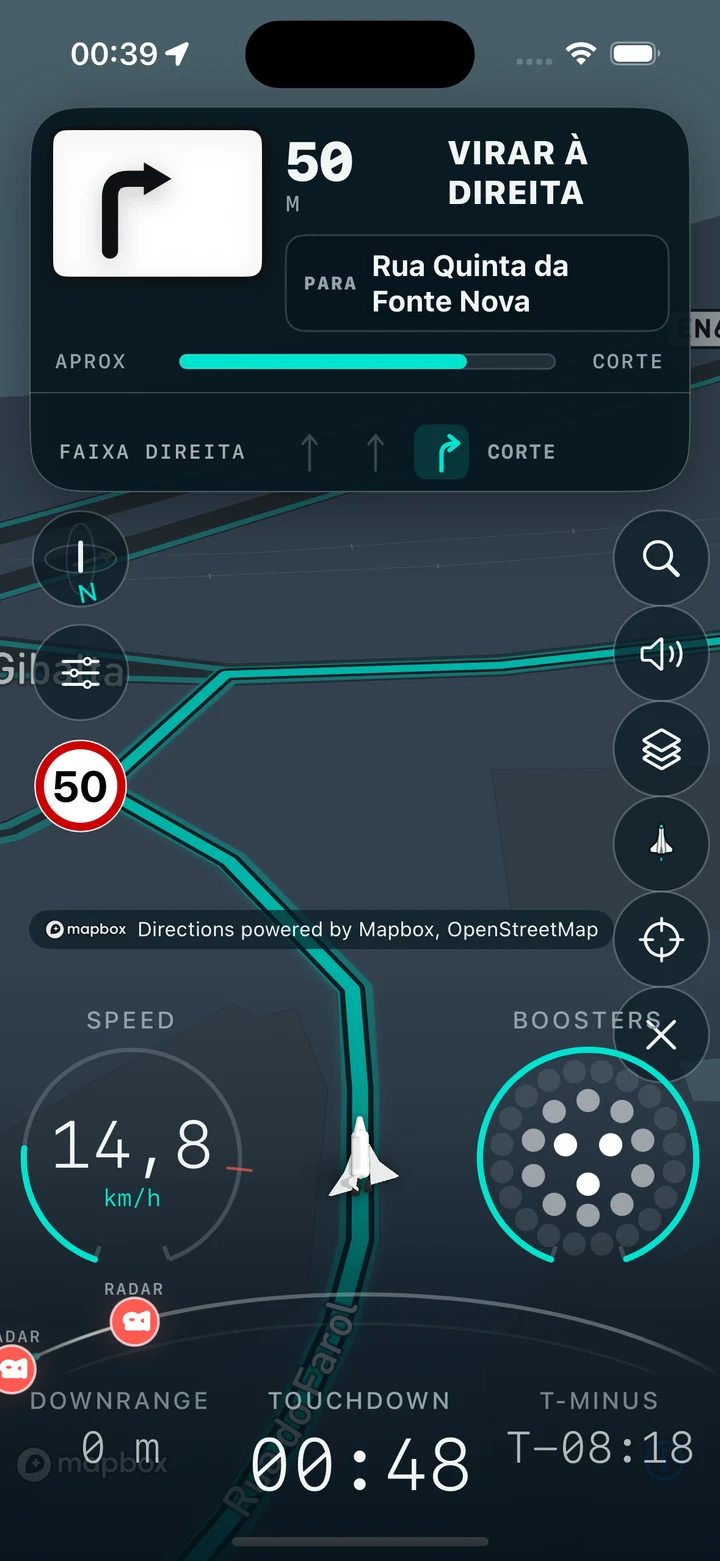
The app
Find your destination, check the route and follow directions on the map.
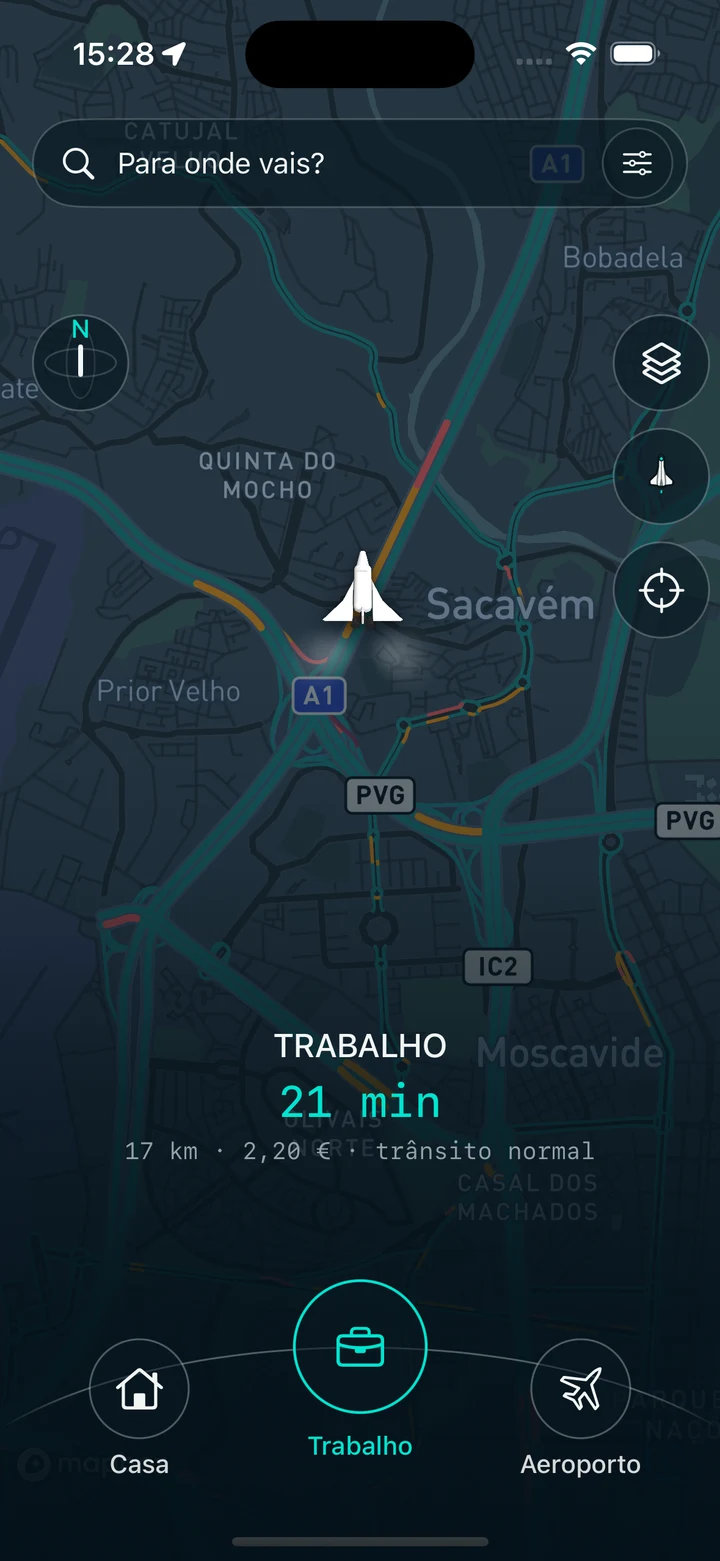
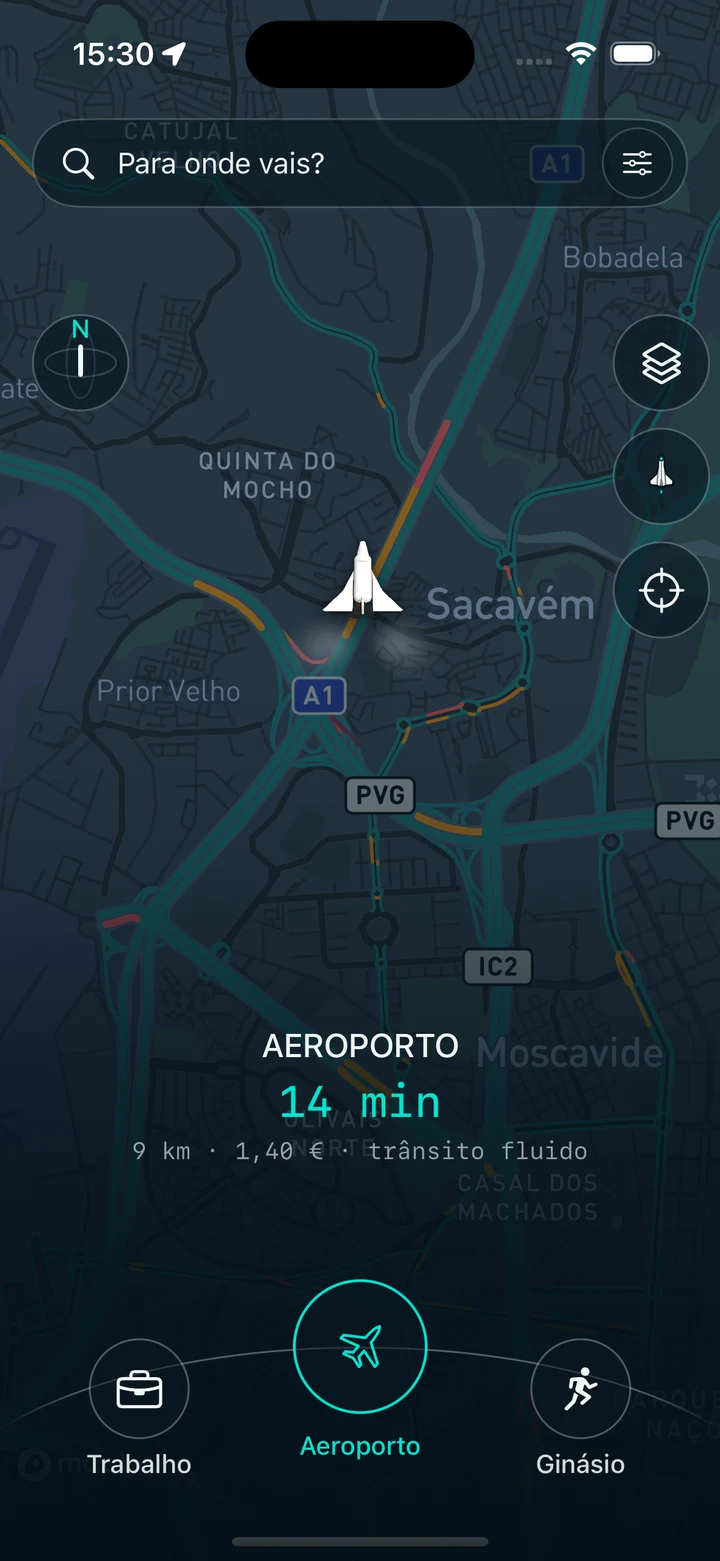
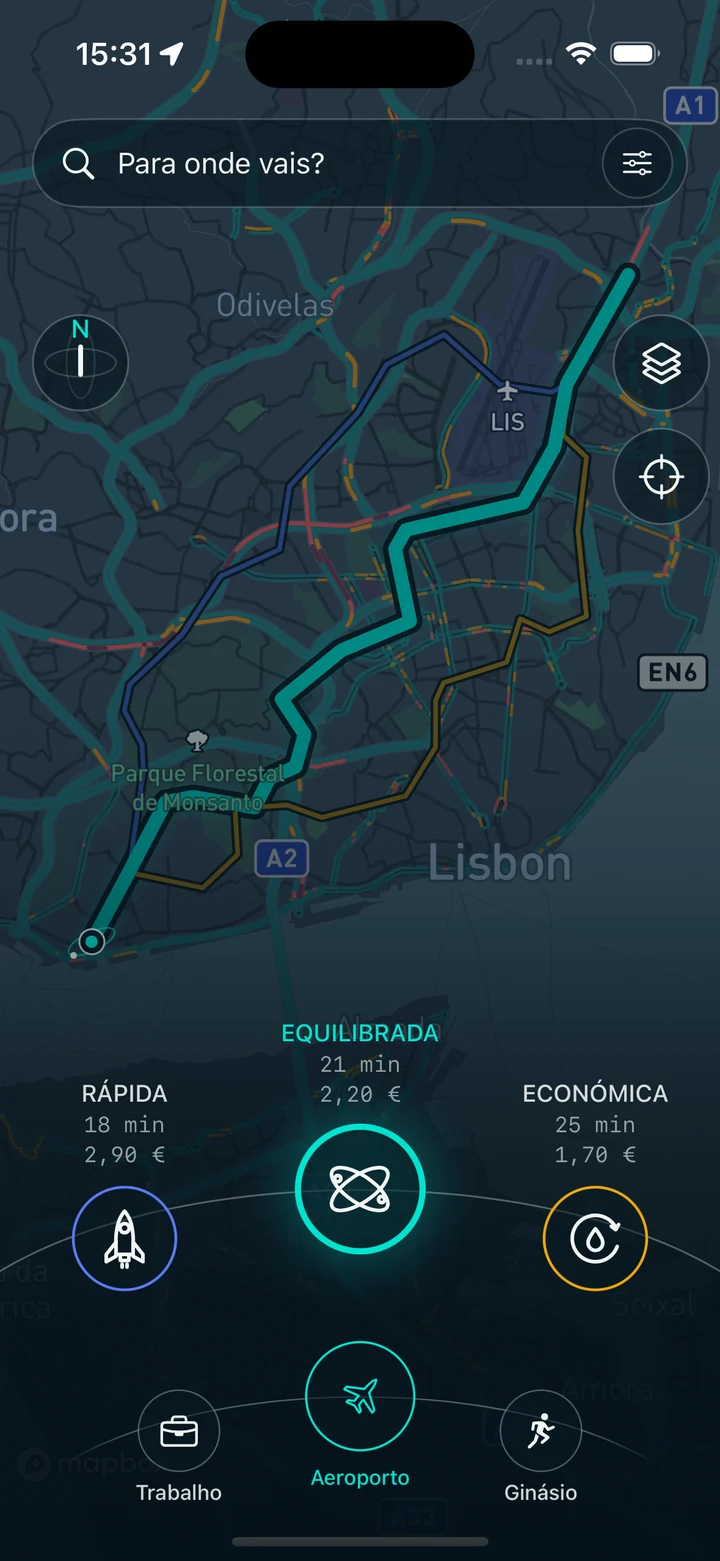
Search for destinations on the map and choose where to go.
Check your route before you set off.
Follow your position and directions along the way.

Navoom · SkewSense
Navoom is designed to make each journey easy to follow, from finding a destination to navigating on your iPhone.
Support and privacy
Learn how Navoom handles data and uses map services, or get in touch if you have a question.
Contact details and information to help you get support.
Location, map services and data handling.
In preparation for the App Store.